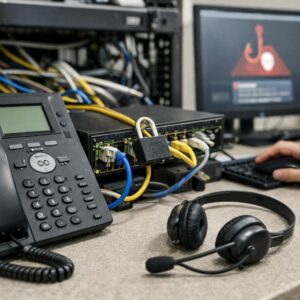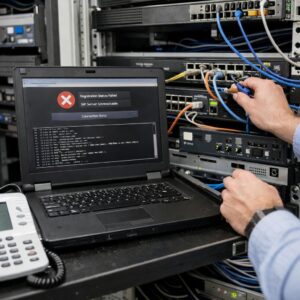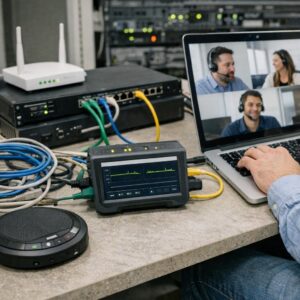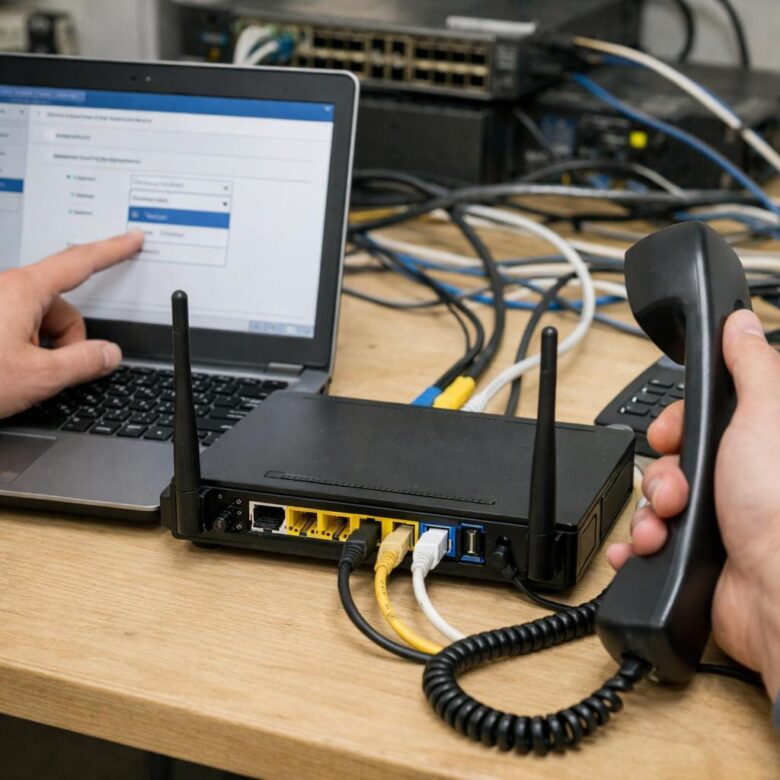
Voice traffic uses relatively little bandwidth, but it is highly sensitive to congestion. A delayed web page can still load normally; delayed or discarded voice packets can create robotic audio, missing words, one-way conversations, and uncomfortable pauses. A well-designed QoS policy protects real-time media when the network becomes busy without giving every application unlimited priority.
✓ What QoS can do
- Protect voice traffic during periods of congestion.
- Move delay-sensitive packets ahead of bulk transfers.
- Control the queue at a bandwidth bottleneck.
- Reduce avoidable delay, jitter, and packet drops.
- Create predictable treatment for approved applications.
✕ What QoS cannot fix
- A damaged cable, failing switch, or unstable Wi-Fi signal.
- Insufficient bandwidth for the number of active calls.
- Problems inside a carrier or cloud provider network.
- Incorrect firewall, NAT, SIP, or security configurations.
- Poor audio caused by a headset, endpoint, or device driver.
Why VoIP Quality Changes When the Network Is Busy
Voice media is normally transported as a continuous stream of small packets. Each packet represents a short part of the conversation. When a download, backup, camera upload, software update, or cloud synchronization job fills the available connection, voice packets can wait behind larger amounts of less time-sensitive data.
A file transfer can recover from delay because the application can retransmit missing information. A live conversation cannot wait several seconds for an old audio packet to arrive. By the time it reaches the listener, that part of the conversation may no longer be useful.
Latency
The time required for traffic to travel between endpoints. Excessive delay makes conversations feel slow and causes people to talk over each other.
Jitter
Variation in packet arrival time. Large variations can create uneven playback, missing syllables, or robotic audio.
Packet loss
Packets that never reach their destination. Small isolated losses may be concealed, while repeated or burst loss can cause audible gaps.
The Five Parts of a Reliable Voice QoS Policy
Understanding DSCP for Voice Traffic
Differentiated Services Code Point, commonly called DSCP, is a value in the IP header that a configured network device can use to place traffic into a specific forwarding class. A DSCP value is not a guarantee by itself. Routers, switches, firewalls, wireless access points, and WAN services must be configured to recognize and treat the marking consistently.
| Traffic class | Common marking | Typical treatment | Important caution |
|---|---|---|---|
| Voice media | EF / DSCP 46 | Low-delay priority treatment for approved RTP or real-time audio traffic. | Do not trust every endpoint automatically. Only validated voice devices and applications should be allowed to use this class. |
| Call signaling | CS3 / DSCP 24 | A reliable queue with adequate bandwidth, normally separate from the strict voice-media queue. | SIP and platform-specific signaling recommendations can differ. Follow the phone-system or provider documentation. |
| Business video | Provider-specific | A high-priority class below voice, with controlled bandwidth. | Video can consume far more bandwidth than audio and should not automatically share an unrestricted voice queue. |
| General data | Default / DSCP 0 | Best-effort treatment for ordinary browsing and applications. | Best effort does not mean blocked or unusable. It simply waits behind higher-priority traffic during congestion. |
| Bulk transfers | Low priority | Lower-priority treatment for backups, updates, synchronization, and other delay-tolerant traffic. | Avoid starving these applications. They still need reasonable access to unused bandwidth. |
Do Not Trust DSCP Markings From Every Device
A trust boundary determines where the network accepts an existing marking and where it replaces or removes that marking. Without a trust policy, a workstation or unmanaged application could mark ordinary traffic as high-priority voice and consume the protected queue.
Managed IP phones
The switch may trust markings from an approved phone while remarking traffic from a computer connected through the phone’s data port.
Softphone computers
Classify the approved application, source ports, address ranges, or operating-system policy instead of trusting every packet from the workstation.
Unmanaged devices
Remove or rewrite unverified markings at the access layer so users cannot place unrelated traffic in the voice queue.
Step-by-Step Voice QoS Configuration Process
Document the voice platform and media paths
Identify whether the business uses desk phones, a local PBX, SIP trunks, softphones, mobile clients, a hosted PBX, or a collaboration platform. Obtain the provider’s current media ports, signaling ports, IP ranges, DSCP recommendations, and bandwidth guidance.
Measure the real connection speed
Test the WAN connection several times during normal and busy periods. Use the lowest stable result as the planning value instead of the highest result seen during a quiet test. Pay particular attention to upstream capacity because office internet connections often provide less upload bandwidth than download bandwidth.
Estimate simultaneous-call demand
Count the maximum realistic number of concurrent calls rather than the total number of phones. Multiply concurrent calls by the provider’s estimated bandwidth per call, including packet and link overhead. Add a reasonable safety margin for signaling, variation, and growth.
Create accurate traffic classifications
Match voice media using validated DSCP markings, platform-specific UDP port ranges, approved endpoint addresses, application policies, or provider address ranges. Avoid broad rules that prioritize every UDP packet or every device on a user network.
Apply a controlled priority queue
Place approved voice media in the low-latency queue. The queue should have enough capacity for the expected call volume but should also be policed or limited so incorrectly marked traffic cannot consume the entire connection.
Configure shaping at the WAN bottleneck
Configure the router or firewall to shape traffic slightly below the stable measured connection rate. This keeps the controllable queue on your equipment instead of allowing a longer, unmanaged queue to form inside the provider network.
Apply the policy consistently
Verify that access switches, wireless access points, firewalls, routers, VPN paths, private WAN links, and managed endpoints preserve or translate the intended policy. A marking that disappears at the first switch cannot help later devices make a queueing decision.
Test under controlled congestion
Place several test calls while creating upload and download traffic. Confirm that the router’s voice queue receives packets, remains within its allocated capacity, and prevents avoidable drops without starving ordinary applications.
Simple Voice Bandwidth Planner
Enter the expected number of simultaneous calls and your provider’s estimated bandwidth per call. The result includes a 25% planning margin.
The default 100 kbps value is only a conservative planning example. Replace it with the current figure supplied by your voice provider for the codec, packetization interval, encryption, VPN, and link type in use.
Does a Voice VLAN Improve Call Quality?
A VLAN organizes traffic, but it does not create priority by itself.
A dedicated voice VLAN can separate phones from ordinary user devices, simplify addressing, support phone discovery through LLDP-MED, improve access-control policies, and make traffic classification easier.
However, placing phones in VLAN 20 and computers in VLAN 10 does not automatically move voice packets ahead of other traffic. Queueing, marking, shaping, and trust policies must still be configured on the relevant switches, access points, routers, and firewalls.
Setting the WAN Shaper Correctly
QoS needs control of the actual queue. If the router believes the upload capacity is higher than the ISP can consistently deliver, packets may accumulate in a provider-controlled queue before the local QoS policy can protect them.
Begin with a conservative value based on repeated measurements. Test the result while the network is busy, then adjust gradually. The correct value depends on the service type, provider behavior, modem or access equipment, and how stable the connection remains throughout the day.
How to Test QoS Before and After Deployment
Build a baseline
- Record normal and peak-period connection speeds.
- Review provider call-quality reports.
- Measure latency, jitter, and packet loss.
- Identify whether the problem affects one or both directions.
- Record the endpoint, location, Wi-Fi signal, and call time.
- Check switch-port errors and WAN-interface drops.
Verify the policy
- Confirm voice packets enter the intended queue.
- Inspect DSCP values at more than one network point.
- Create controlled upload and download congestion.
- Watch priority-queue utilization and packet drops.
- Repeat calls from wired and wireless endpoints.
- Compare results with the original baseline.
Common QoS Mistakes
Many non-voice applications use UDP. Broad classification can fill the priority queue with unrelated traffic.
A priority system cannot make meaningful decisions when every application receives the same treatment.
Unmanaged endpoints can apply incorrect markings and take bandwidth intended for approved voice traffic.
Signaling establishes and manages the call, while the actual audio normally travels in a separate real-time media stream.
Segmentation improves organization and policy control but does not automatically create a priority queue.
A shaper configured above the stable real speed may allow congestion to form beyond the router’s control.
QoS cannot compensate for weak coverage, interference, excessive retries, or overloaded access points.
A configuration can look correct while matching no traffic or placing packets in the wrong direction or queue.
Voice Quality Troubleshooting Matrix
| Symptom | Possible network cause | What to check first |
|---|---|---|
| Audio breaks up during uploads | Upstream congestion, bufferbloat, incorrect shaping rate, or voice traffic missing the priority queue. | WAN upload utilization, shaper settings, queue counters, and outbound DSCP markings. |
| One-way audio | Firewall, NAT, routing, SIP, VPN, or media-path problems rather than a normal QoS issue. | RTP flow in both directions, firewall logs, NAT rules, and provider configuration. |
| Calls fail only on Wi-Fi | Weak signal, interference, roaming problems, channel congestion, power-saving behavior, or incorrect wireless QoS mapping. | Signal level, retries, channel utilization, access-point load, and wired comparison tests. |
| Delay is present even when the office is quiet | Long internet path, VPN routing, provider location, endpoint processing, or an external network issue. | Round-trip time, media relay location, VPN path, and provider call diagnostics. |
| Only one user has poor audio | Local device, headset, cable, Wi-Fi, CPU, driver, or access-port problem. | Replace the headset, test a wired connection, check endpoint load, and compare another device on the same network. |
| Quality falls as call volume increases | Insufficient reserved bandwidth, an undersized priority queue, or a WAN circuit that cannot support the concurrent call demand. | Concurrent-call count, codec bandwidth, queue utilization, drops, and call-admission settings. |
Deployment Checklist
- Document the phone system, endpoints, codecs, and media paths
- Obtain current ports, IP ranges, and QoS guidance from the provider
- Measure stable upload and download capacity during busy periods
- Calculate bandwidth for realistic simultaneous-call demand
- Define a clear trust boundary for managed and unmanaged devices
- Mark approved voice media using the intended DSCP value
- Keep signaling separate from the strict voice-media queue
- Limit the priority queue to prevent abuse or misclassification
- Shape the WAN connection below the stable bottleneck capacity
- Apply compatible policies across wired, wireless, and WAN devices
- Test calls while intentionally creating network congestion
- Monitor queue drops, DSCP values, latency, jitter, and packet loss
Frequently Asked Questions
Should all VoIP traffic use DSCP 46?
DSCP 46 is commonly used for voice media that requires low-delay, low-loss treatment. Signaling, video, screen sharing, and other media may use different values. Follow the current documentation for the specific phone system or collaboration platform.
Does QoS increase internet bandwidth?
No. QoS decides how available capacity is used during congestion. It can protect important traffic, but it cannot create additional bandwidth or support more calls than the connection can carry.
Should voice always receive strict priority?
Approved real-time voice media commonly receives low-latency priority treatment. The priority class should still be limited or policed so a faulty device or incorrect classification cannot consume the entire connection.
Will an internet provider preserve DSCP markings?
Not necessarily. Public internet networks may ignore, rewrite, or remove customer markings. QoS remains valuable inside the managed network and at the local WAN bottleneck, but end-to-end treatment requires cooperation between every network domain involved.
Is device-based priority better than port-based priority?
It depends on the environment. Device-based rules can work well for dedicated phones, while application or port-based policies may be necessary for softphones. The safest design uses the narrowest reliable classification supported by the platform and network equipment.
Can QoS fix poor Wi-Fi call quality?
QoS can help when congestion is the cause, but it cannot repair weak coverage, interference, excessive retransmissions, or overloaded access points. Wireless health should be tested separately.
Final Takeaway
Effective QoS is not a single “prioritize VoIP” switch. It is a coordinated policy that identifies the correct traffic, applies trusted markings, controls queues at the real bottleneck, and verifies the result under realistic network load.
Start with accurate provider documentation and bandwidth measurements. Protect voice media without giving unlimited priority to every real-time application, keep bulk traffic usable, and review call-quality data after every significant change. The goal is not to make voice the only traffic that works—it is to keep conversations clear while the rest of the business network continues operating normally.
Official Technical Resources
- RFC 4594: Configuration Guidelines for DiffServ Service Classes
- RFC 3246: An Expedited Forwarding Per-Hop Behavior
- Microsoft: Implement Quality of Service in Microsoft Teams
- Cisco: Voice Codec Bandwidth Consumption Calculations
- Netgate: pfSense Traffic Shaper Documentation
- Ubiquiti: UniFi QoS and Traffic Shaping
This article is provided for general informational purposes. Router interfaces, queueing systems, supported DSCP values, provider ports, and bandwidth requirements vary by platform and deployment. Back up the current configuration and consult the applicable vendor documentation before changing a production network.

The TMPCom Editorial Team creates practical, research-based content about business telecommunications, VoIP systems, network security, compliance, and telecom cost management. Our articles are developed using official documentation, technical standards, and reputable industry sources to help businesses make clearer and more informed technology decisions.